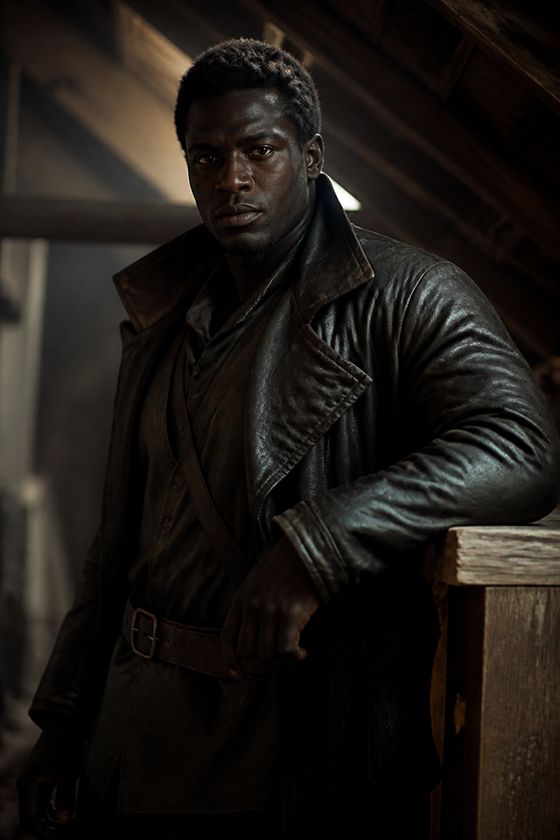
 On screen Locked
Damon
Alpha, Dark Howlers
Very tall, heavyDark travel leathers
Kade · deep, heavy
SuperMaya Microdrama
Describe a series, lock your cast and sets once, and get a storyboard, clips and a finished episode in the aspect ratio you choose.
Prefer a walkthrough? Book a demo
Inside the studio
Every shot is generated from your series bible and checked as it lands, right on the storyboard.
 22-001 · WidePassed22-003 · CUPassed
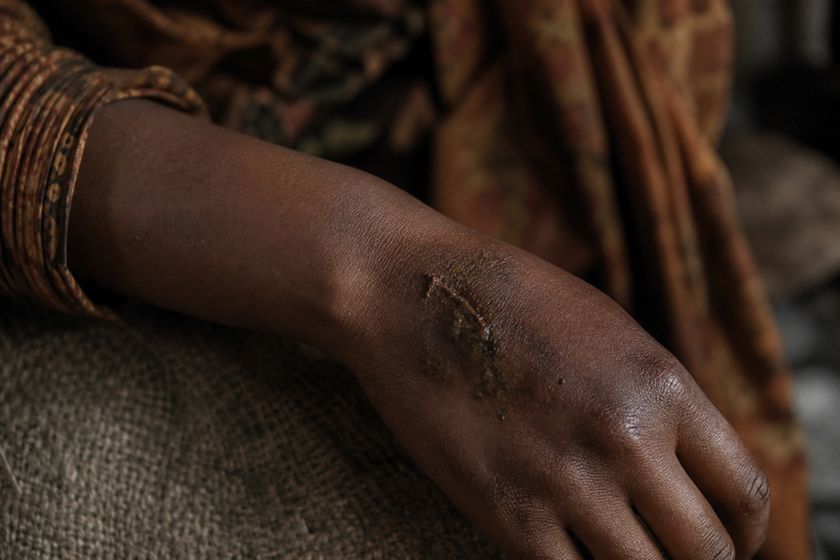 22-004 · InsertProp check
 22-005 · MCUPassed
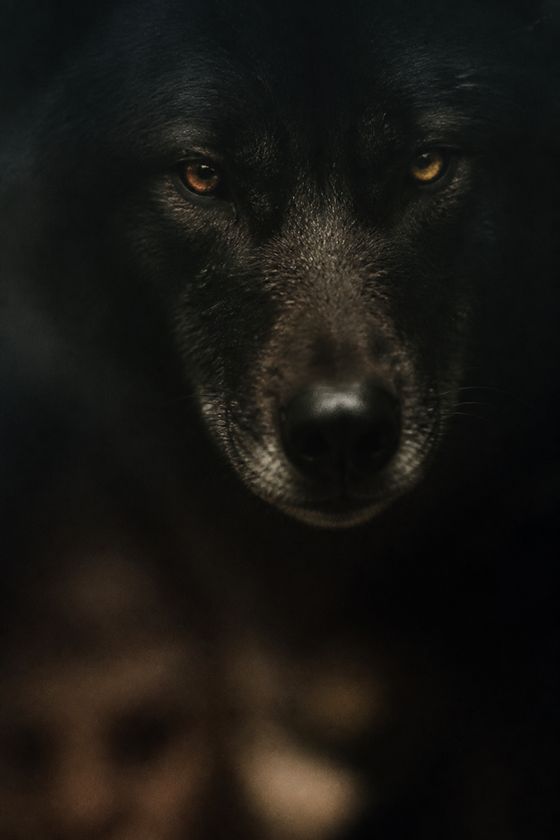 22-007 · MCUPassed
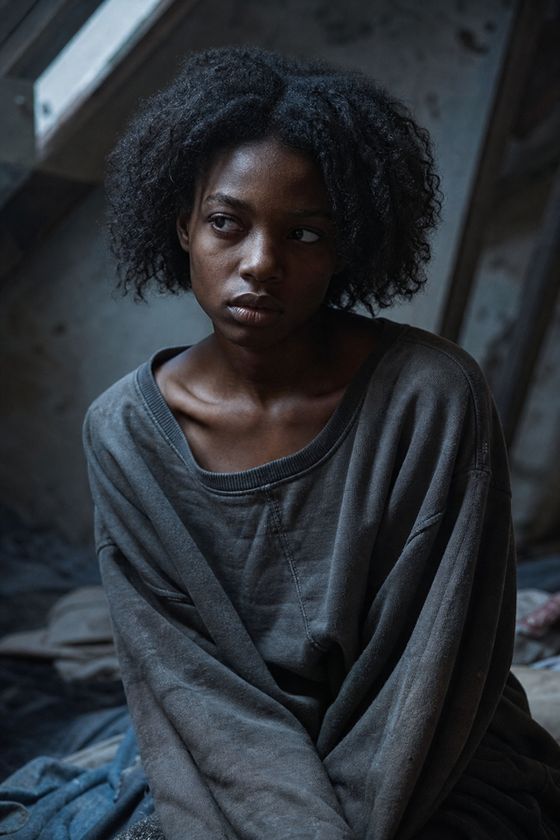 22-009 · CUPassed42%Rendering frame22-010 · MCUGenerating0%Rendering frame22-011 · MCUQueued
“What are you doing?”






How it works
Write, cast, generate and deliver a series from one workspace, built for teams running long shows.
Explore the studioDamonAlpha, Dark HowlersTaliaOmega, Red Moon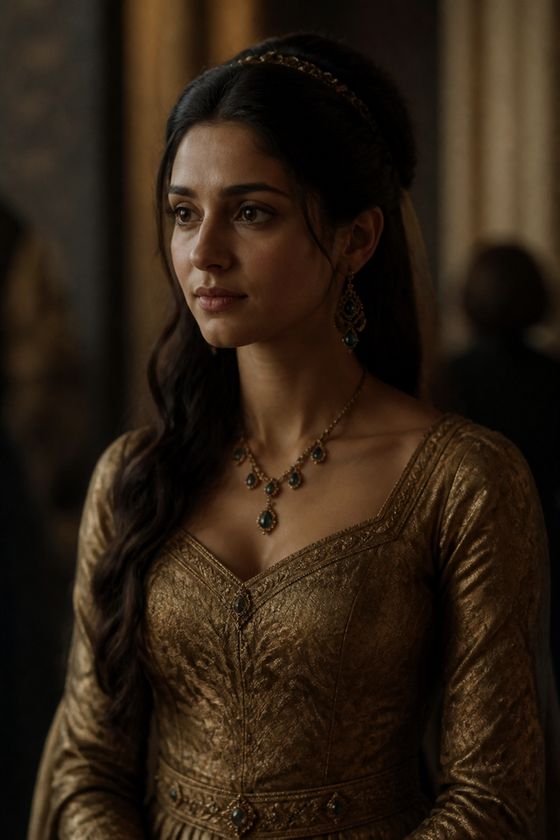 MarcyDaughter of Alpha EdwardDamon's WolfVoice only22-001 · WidePassed22-004 · InsertProp check22-009 · CUPassed22-015 · MCUFace match 0.71
Series bible
The bible is the single place for everything that must not change. Every shot is generated from it, so Damon looks like Damon in episode 1 and episode 77.
On screen LockedAlpha, Dark Howlers
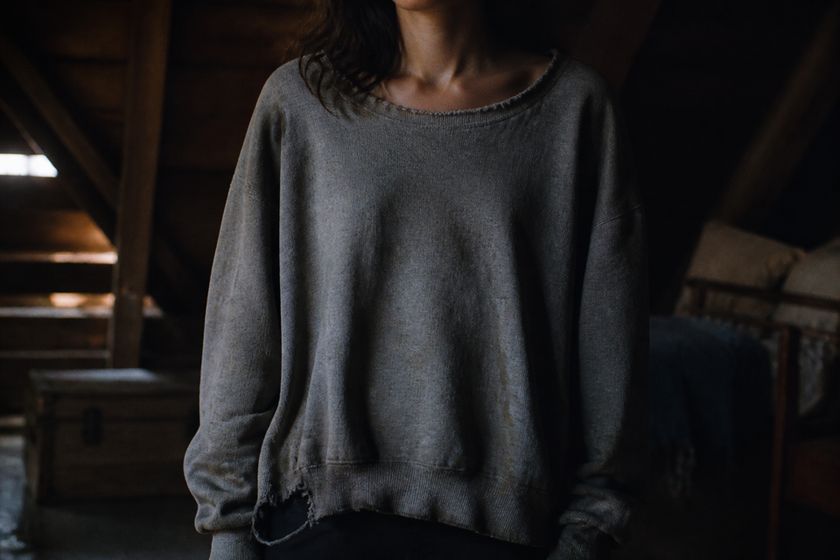
On screen LockedOmega, Red Moon
On screen LockedDaughter of Alpha Edward
Voice onlyBlockedInternal voice
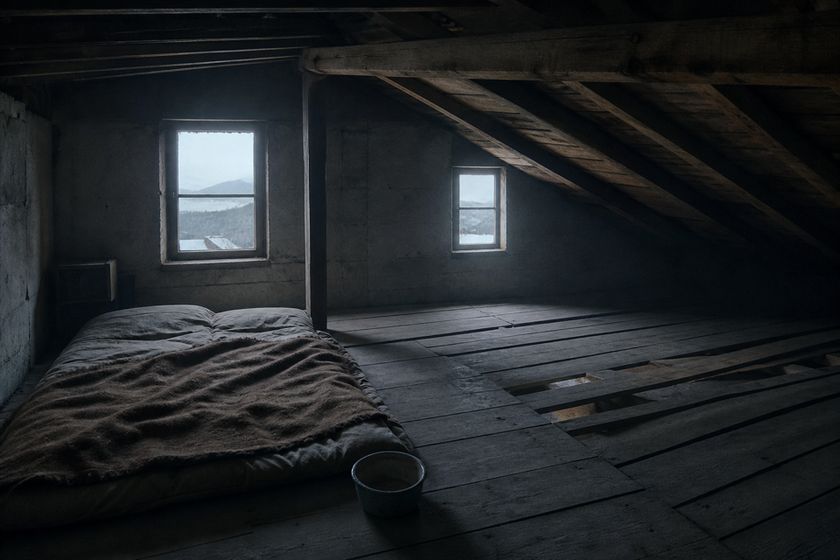
Set · INTTalia's attic. Every prop is counted, so two windows stay two windows.
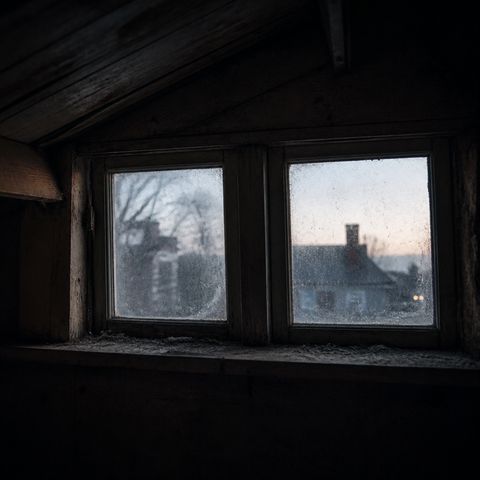 1Windows ×2
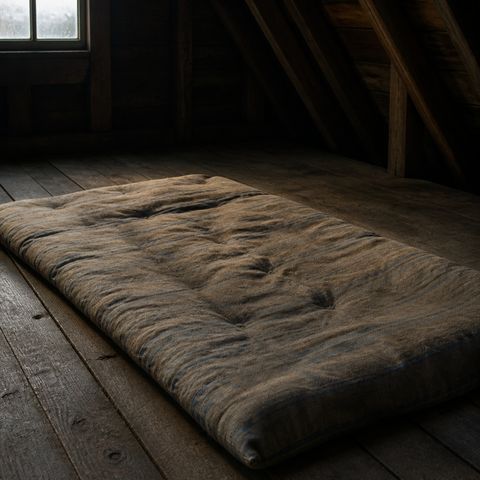 2Futon ×1
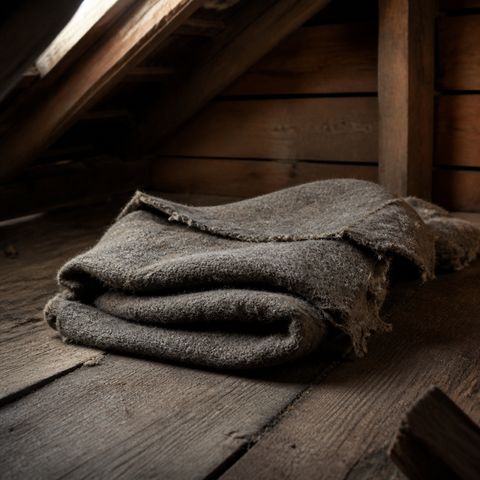 3Blanket ×1
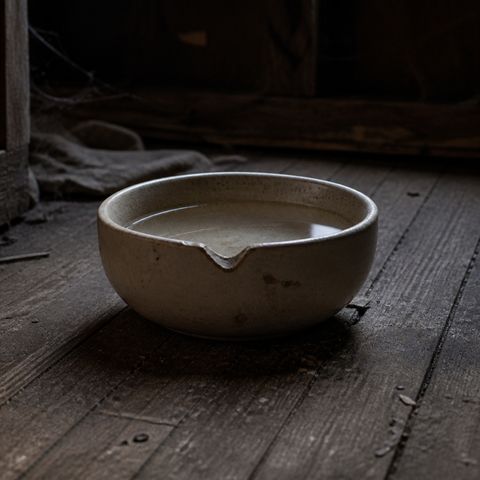 4Water bowl ×1
A lock freezes one detail, like an injury or an outfit, for a set run of episodes so it cannot change between shots.
Frozen FrozenEach bar is the run of episodes a lock covers. The white line marks the episode in production.
Shot breakdown
The episode is cut to your audio. Each line gets a size, an angle, a camera move and the people in frame, before a single frame is generated.
Continuity checks
Every still is checked against the bible as it lands. Anything that falls short is flagged with the reason, so you fix a frame instead of reshooting a scene.
22-001 · WidePassed22-004 · InsertProp check22-007 · MCUPassed22-009 · CUPassed22-012 · MCUPassed22-015 · MCUFace 0.71Face has drifted. Please regenerate against the canvas.Note from the director
The paste around the cut isn't reading. Right now the hand looks clean.Note from continuity
Voices
Pick a narrator and a voice for each character, audition the read line by line, then lock it. Already have the recording? Upload it and skip this step.
Built for long series
See what is in production, what is delivered and who touched it last.
Each episode opens where the last one ended. Same injuries, same wardrobe, same room.
Anyone on the team can leave a note. Open notes show up again in the delivery audit.
Edit a beat and only that shot changes. Edit the bible and every shot that uses it follows.
Choose the aspect ratio when you set up the series.
Every generation run shows what it is costing while it runs.
Also in SuperMaya · Ads studio
One brief in, scored and on-brand video ads out, published to Meta, TikTok, YouTube and Google.
Explore the ads studioQuestions
A title, a genre and a frame. You can build the bible from the script of episode one, from reference images, or by importing the character and background sheet you already keep.
No. Upload a recording if you have one, or assign voices and generate the read. Either way you end up with locked audio and a time-aligned transcript, and you can switch per episode.
Yes. Replace or regenerate any still, or edit its beat. Editing the bible updates every shot that uses it.
Each episode's opening frame inherits the end state of the one before it. That is what keeps injuries, wardrobe and sets consistent across the series.
Your team. Clips are only generated from frames you have approved, and the episode is assembled after you have run the audits.
See a real episode go from idea to final cut in 30 minutes.